

Azure Virtual Desktop Hybrid, Explained
By Chrysillis Collier · September 21, 2026
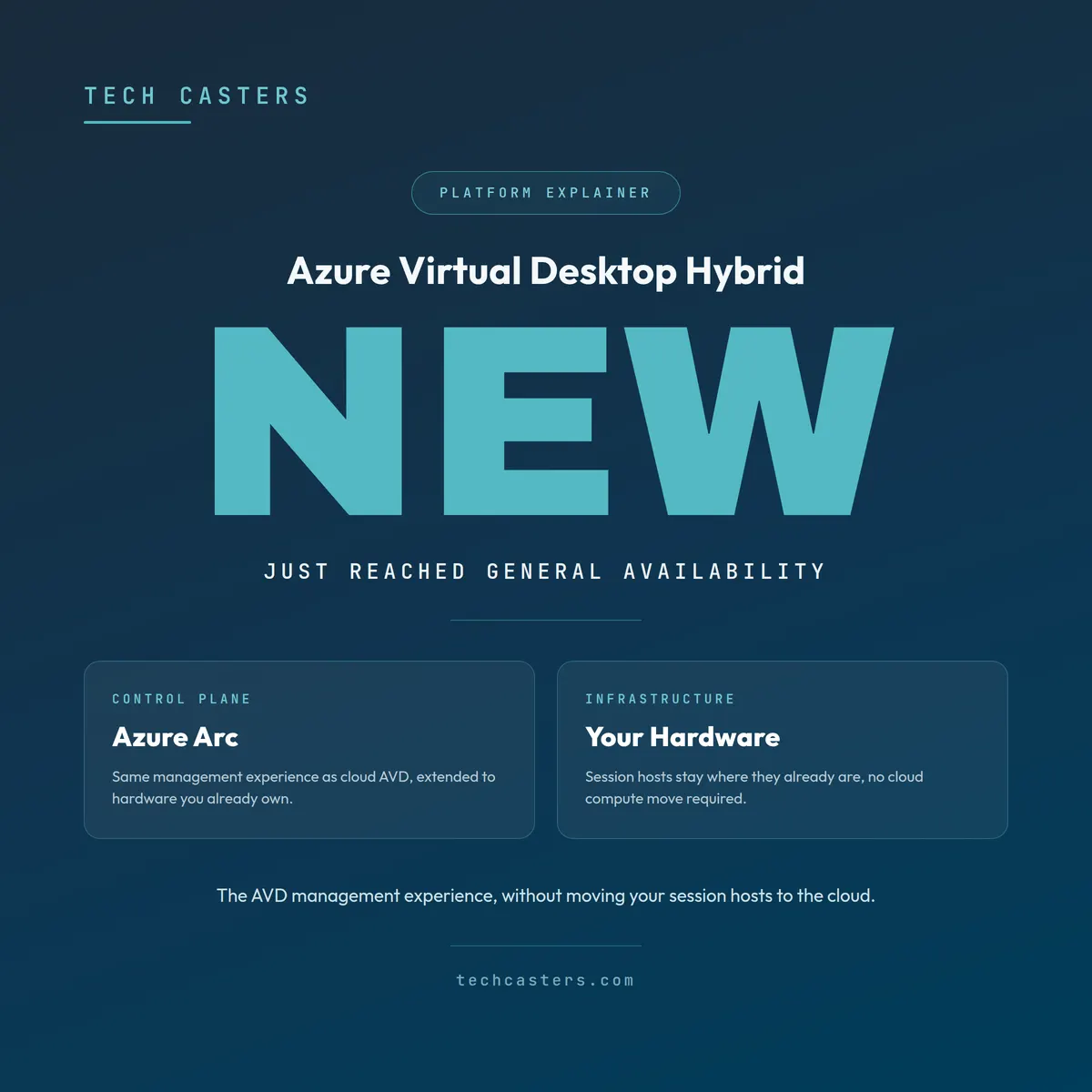
Azure Virtual Desktop Hybrid reached general availability only weeks ago, which means most of what’s written about it online is still thin or out of date. If you’ve been holding off on a virtual desktop decision because moving everything to the cloud felt like too big a step, this is worth five minutes of your attention.
What it actually is
Regular AVD runs your session hosts as virtual machines in Azure. AVD Hybrid keeps the same management experience, the same control plane, the same tools, but lets your session hosts stay on hardware you already own. Azure Arc extends Azure’s management plane down to your own infrastructure, and Nerdio sits on top handling the day to day: image management, scaling policies, user assignment, all the same as it would for a fully cloud-hosted deployment. Nerdio’s AVD Hybrid support currently covers Nutanix AHV, with VMware vSphere on the way. If you’re running something else today, it’s worth confirming where Nerdio’s support stands before treating this as a done deal for your environment.
In practice, that means you get AVD’s management model, the standardized image, the centralized policy, the auditability, without moving compute off hardware you’ve already paid for, on the hypervisors Nerdio currently supports.
Why this is worth knowing about now
Two things happened in 2026 that make this more relevant than it would have been a year ago. Device prices climbed sharply on the back of a memory chip shortage, and official Windows 10 support ended on October 14, 2025, leaving a lot of otherwise healthy machines that can’t meet Windows 11’s requirements. Extended Security Updates (ESUs) are still available, but they are charged per device and the price doubles each year of the program, so keeping old machines patched gets steadily more expensive. If your organization is sitting on decent, fairly recent server hardware, whether it’s currently running desktops, a hypervisor, or something else entirely, writing that off to move fully to Azure right now is a harder sell than it needs to be.
AVD Hybrid is also a realistic middle step if you’re modernizing off Citrix, Omnissa Horizon, or an aging RDS setup. You get the operational and security benefits of a centrally managed virtual desktop platform without a full rip and replace on day one.
Who this is actually for
This isn’t a universal upgrade. It fits a specific situation well:
You have hardware that’s still capable, not near end of life, sitting on Nutanix AHV today, or VMware vSphere once Nerdio’s support for it ships. You’re not ready to commit your whole environment to Azure compute yet, whether that’s a budget conversation, a timing conversation, or genuine uncertainty about what cloud costs would look like for your workload. You want the management and security posture of AVD (a standardized image, centralized identity and access control, auditability) without the infrastructure move that normally comes attached to it.
It’s a weaker fit if your hardware is already old enough that a refresh is coming regardless, since at that point you’re solving today’s problem with equipment you’ll be retiring soon anyway. It’s also not a way around the actual work of getting the architecture right. A badly designed hybrid deployment has the same failure modes as a badly designed cloud one: slow logons, resource contention, an image nobody maintains. The infrastructure changes, the discipline required doesn’t.
How it sits next to full cloud AVD
The honest version: cloud AVD gives you elasticity you can’t get from your own hardware, no idle capacity sitting unused overnight, scaling up or down as a configuration change rather than a purchase order. AVD Hybrid trades some of that elasticity for using infrastructure you’ve already invested in. Neither is universally better. It depends on what you’re sitting on and how ready you are to change it. If you want the fuller comparison across AVD, AVD Hybrid, RDS, Citrix, WorkSpaces, and Omnissa Horizon side by side, that’s covered here.
Where to go from here
If you’ve got server hardware you’re not ready to walk away from and a workforce that would benefit from centrally managed, auditable desktops, this is worth a real look rather than a default assumption that a virtual desktop platform means moving to the cloud. I’ve spent years architecting Azure Virtual Desktop environments at real scale, and I’m not going to tell you AVD Hybrid is the answer for everyone. But if it fits what you’re already running, it’s the option most vendors aren’t talking about yet.
If you want a straight read on whether AVD Hybrid or full cloud AVD fits your setup, schedule a free discovery call.